Karşılaştığım Zorluk
macOS already ships with screenshot tools, but they are slow, separate from annotation, and often require opening Preview or a third-party editor. The goal was a single, always-available workflow: capture, annotate, and paste in under two seconds — without bloated UI or cloud dependencies.
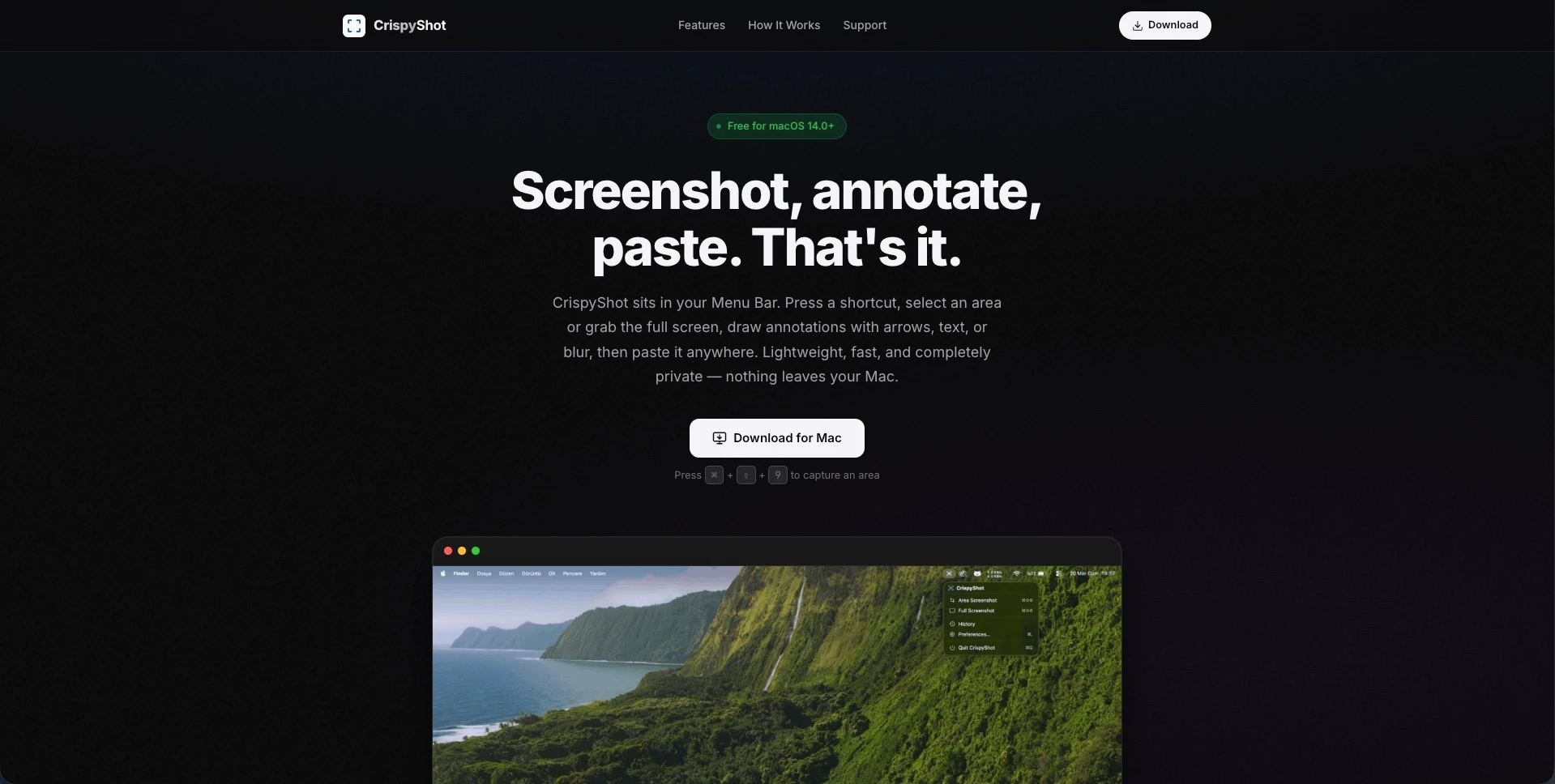
"A lightweight macOS menu bar utility for capturing screenshots, annotating them with nine drawing tools, and pasting the result anywhere in seconds — with zero accounts, zero tracking, and nothing leaving your Mac."
Geliştirdiğim Çözüm
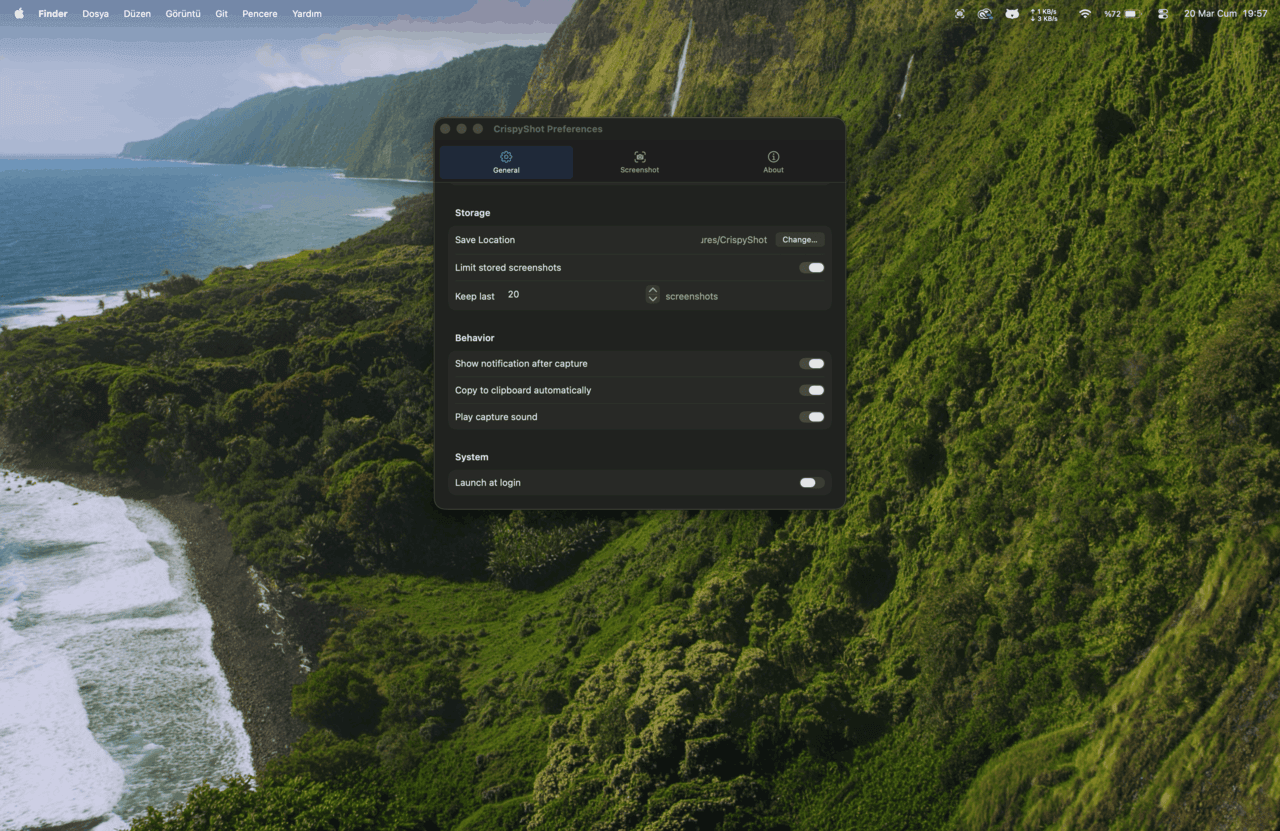
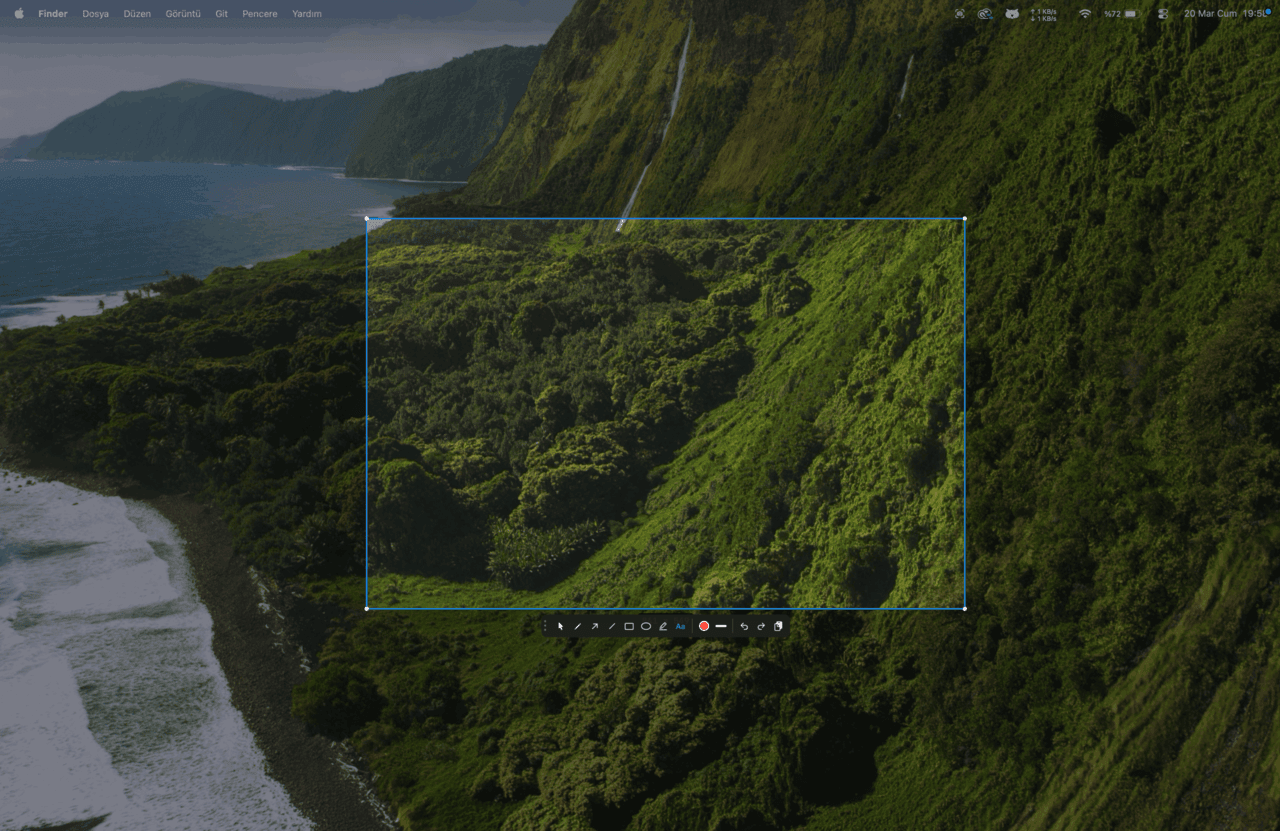
Built as a native macOS menu bar app with global shortcuts, a capture overlay, and inline annotation toolbar. Screenshots save to disk and copy to the clipboard simultaneously, with Retina support, configurable formats, and a local history — all running 100% offline on Apple Silicon.
- Area selection (⌘⇧9) and full-screen capture (⌘⇧8) via global shortcuts — no window hunting, no app switching.
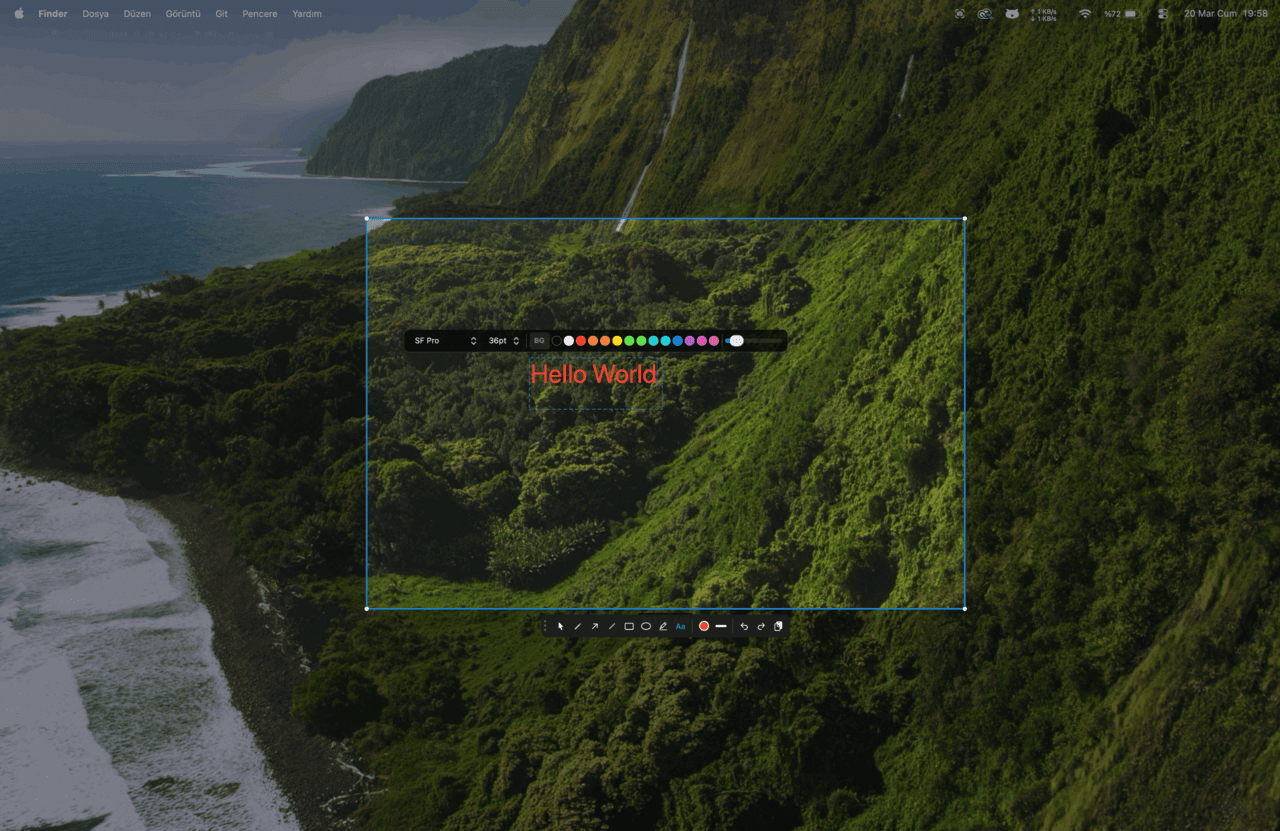
- Nine annotation tools on the capture overlay: arrow, line, rectangle, ellipse, text, freehand, highlight, blur, and a pointer for moving elements.
- Fourteen colors with adjustable line widths; text tool supports font picker, size (10–48pt), and background opacity.
- Every capture is saved to a configurable folder and copied to the clipboard at once — paste into Slack, Notion, or any app immediately.
- Floating thumbnail preview with click, drag, or swipe to dismiss; screenshot history toggled with ⌘⇧H.
- Standard (1x) or Retina (2x) resolution, plus JPEG, PNG, HEIC, or TIFF export with a quality slider.
- Snapshot-based undo/redo stack (⌘Z / ⌘⇧Z) and individual annotation deletion via the pointer tool.
- 100% offline — no accounts, no analytics, no data collection. Lightweight (~7 MB) and built for macOS 14 (Sonoma) and later on Apple Silicon.